WIDE Tsukuba NOC provides a public FTP mirror service.
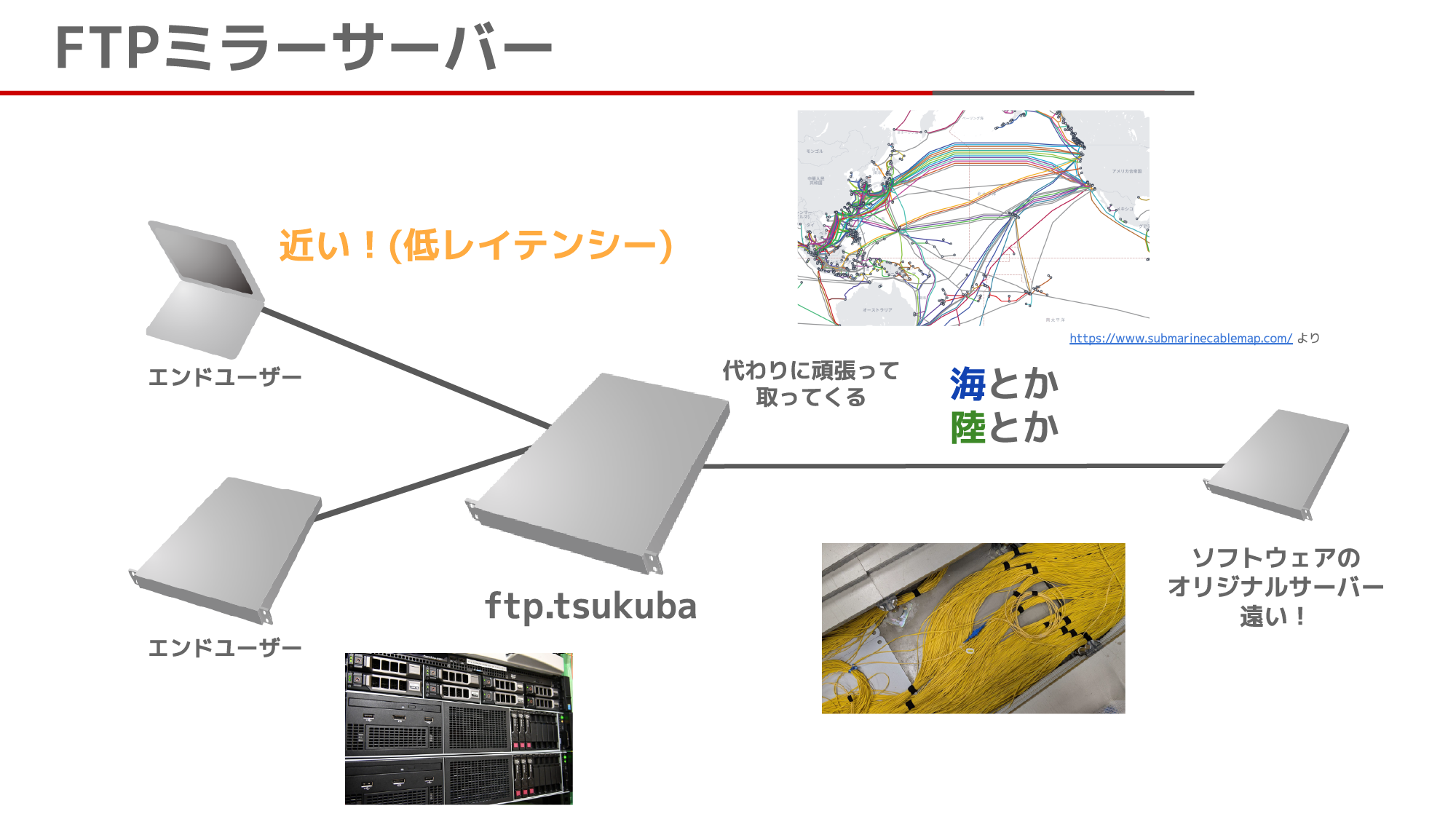
Domain: ftp.tsukuba.wide.ad.jp
Usage
Downloading OS images
The download locations for each OS image are listed below.
- AOSC OS (Anthon OS)
- Arch Linux
- Debian
- Deepin
- Mageia
- MX Linux / antiX
- Ubuntu
Using the server as a package repository
The following instructions cover the main package repositories currently available on this server.
Disclaimer: The following commands are configuration examples and have not all been verified. WIDE Tsukuba NOC accepts no liability for any damage arising from the use of these instructions.
AOSC OS (Anthon OS)
Select the Tsukuba mirror with oma. Repository metadata is refreshed automatically after the change.
sudo oma mirror set tsukuba
If an older version of oma does not support set, run sudo oma mirror and select tsukuba from the list.
- References
Arch Linux
Set the URL registered by the Tsukuba mirror with Arch Linux directly in /etc/pacman.d/mirrorlist.
echo 'Server = http://ftp.tsukuba.wide.ad.jp/Linux/archlinux/$repo/os/$arch' | sudo tee /etc/pacman.d/mirrorlist
sudo pacman -Syu
CentOS Stream
CentOS Stream 9 and 10 use metalink in their default configuration. Set the baseurl for BaseOS, AppStream, CRB, and extras-common with dnf config-manager.
sudo dnf install dnf-plugins-core
for r in BaseOS AppStream CRB; do
  sudo dnf config-manager --save \
    --setopt="${r,,}.metalink=" \
    --setopt="${r,,}.baseurl=https://ftp.tsukuba.wide.ad.jp/centos-stream/\$stream/$r/\$basearch/os/"
done
sudo dnf config-manager --save \
  --setopt=extras-common.metalink= \
  --setopt='extras-common.baseurl=https://ftp.tsukuba.wide.ad.jp/centos-stream/SIGs/$stream/extras/$basearch/extras-common/'
sudo dnf clean all && sudo dnf makecache
Debian
On Debian 13 and later, edit /etc/apt/sources.list.d/debian.sources in a typical installation. Do not change security.debian.org, because this service does not mirror the Debian security repository.
sudo sed -Ei 's|https?://deb\.debian\.org/debian|https://ftp.tsukuba.wide.ad.jp/debian|g' /etc/apt/sources.list.d/debian.sources
sudo apt update
On Debian 12 and earlier using the traditional format, use the following commands.
sudo sed -Ei 's|https?://deb\.debian\.org/debian|https://ftp.tsukuba.wide.ad.jp/debian|g' /etc/apt/sources.list
sudo apt update
Deepin
In Control Center, open Update Settings under Update, turn off Smart Mirror Switch, and select [JP] Tsukuba WIDE Public Mirror under Default Mirror Source.
On a Deepin 20, 23, or 25 system without a GUI, use the following commands.
sudo sed -Ei 's|https?://community-packages\.deepin\.com/(deepin/)?|https://ftp.tsukuba.wide.ad.jp/Linux/deepin/|g' /etc/apt/sources.list
sudo apt update
- References
Mageia
Remove the currently configured media and add the Tsukuba mirror for the installed release and architecture. This also removes any custom media; add them again afterwards if required.
sudo urpmi.removemedia -a
sudo urpmi.addmedia --distrib 'https://ftp.tsukuba.wide.ad.jp/mageia/distrib/$RELEASE/$ARCH'
- References
Manjaro Linux
Select the Tsukuba mirror with pacman-mirrors, then update the system. The currently selected stable, testing, or unstable branch is retained.
sudo pacman-mirrors --api --url https://ftp.tsukuba.wide.ad.jp/Linux/manjaro/ && sudo pacman -Syu
- References
MX Linux / antiX
On MX Linux, run mx-repo-manager, select Japan, Tsukuba under MX repos, and click Apply.
mx-repo-manager
sudo apt update
On MX Linux 25 or later without a GUI, use the following commands.
sudo sed -Ei 's#(https?|ftp)://[^[:space:]]+/mx/repo/?#https://ftp.tsukuba.wide.ad.jp/Linux/mxlinux/mx/repo/#g' /etc/apt/sources.list.d/mx.sources
sudo apt update
On MX Linux 23 or earlier without a GUI, use the following commands.
sudo sed -Ei 's#(https?|ftp)://[^[:space:]]+/mx/repo/?#https://ftp.tsukuba.wide.ad.jp/Linux/mxlinux/mx/repo/#g' /etc/apt/sources.list.d/mx.list
sudo apt update
On antiX, run repo-manager, select Japan, Tsukuba under antiX repos, and click Apply.
repo-manager
sudo apt update
On an antiX system without a GUI, load the codename from /etc/os-release and change the repository with the following commands.
. /etc/os-release
sudo sed -Ei "s#(https?|ftp)://[^[:space:]]+#https://ftp.tsukuba.wide.ad.jp/Linux/mxlinux/antix/${VERSION_CODENAME}/#g" /etc/apt/sources.list.d/antix.list
sudo apt update
To change the Debian repositories as well, follow the Debian instructions above separately.
- References
Raspberry Pi OS (Raspbian)
On the 32-bit Raspberry Pi OS, edit /etc/apt/sources.list.d/raspbian.sources in a typical installation.
sudo sed -Ei 's#https?://raspbian\.raspberrypi\.(com|org)/raspbian#https://ftp.tsukuba.wide.ad.jp/Linux/raspbian/raspbian#g' /etc/apt/sources.list.d/raspbian.sources
sudo apt update
When using the traditional format, use the following commands.
sudo sed -Ei 's#https?://raspbian\.raspberrypi\.(com|org)/raspbian#https://ftp.tsukuba.wide.ad.jp/Linux/raspbian/raspbian#g' /etc/apt/sources.list
sudo apt update
Follow the Debian instructions above when the 64-bit edition uses Debian repositories.
Ubuntu
During installation of the amd64 edition, enter https://ftp.tsukuba.wide.ad.jp/Linux/ubuntu/ in the installer's “Ubuntu archive mirror” or “Mirror address” field.
On Ubuntu Desktop, open Software & Updates and select Other, Japan, and Tsukuba WIDE under Download from.
On an Ubuntu 24.04 LTS or later system without a GUI, edit /etc/apt/sources.list.d/ubuntu.sources in a typical installation. Do not change security.ubuntu.com, which provides security updates.
sudo sed -Ei 's|https?://([a-z]{2}\.)?archive\.ubuntu\.com/ubuntu|https://ftp.tsukuba.wide.ad.jp/Linux/ubuntu|g' /etc/apt/sources.list.d/ubuntu.sources
sudo apt update
On an Ubuntu 22.04 LTS or earlier system without a GUI that uses the traditional format, use the following commands.
sudo sed -Ei 's|https?://([a-z]{2}\.)?archive\.ubuntu\.com/ubuntu|https://ftp.tsukuba.wide.ad.jp/Linux/ubuntu|g' /etc/apt/sources.list
sudo apt update